
KUPvision is an image processing and camera management software which is used for industrial applications in camera systems for quality control and quality assurance and serves as the basis for all our computer-aided systems.
The software has been developed according to all currently recognized guidelines and recommendations with the newest development tools, so that it can be used in all areas of industry (pharmaceutical industry, automotive industry, food industry, etc.). It is a software which uses all possibilities of today's systems and can be adapted and extended at any time by the modular structure according to the requirements of the customers.
Connectivity is guaranteed by specified interfaces and customer-specific communication requirements can additionally be implemented.
Highlights of our powerful and flexible KUPvision software:
- Fully integrated inspection equipment (smart, AI, color or mochrome cameras)
- Fully integrated marking systems (laser or printer)
- Serialization of folding boxes on item level possible
- Multilingual program interface: German, English, Spanish, French, Italian, Portuguese, Russian (others possible)
- Completely touchscreen operable
- Optional integration of the machine control
- Audit trail, user management, format management (software complies with 21 CFR Part 11)
- Multi-core CPU support (both for administration and image processing functions)
- Multi-camera support (both monochrome and color cameras are supported)
- Support of different camera systems (e.g. In-Sight, Firewire, CameraLink, GigE)
- SQL database support (data can be stored on central server)
- Optional communication via MII with SAP ERP/OER
KUPvision is not only the backbone for Mark & Vision solutions, but also for many applications such as Glass breakage detection, Color inspection, Filling level inspection or label inspection with Text reading or Code reading.
Translated with DeepL.com (free version)The main inspection software KUPvision as standard user interface:
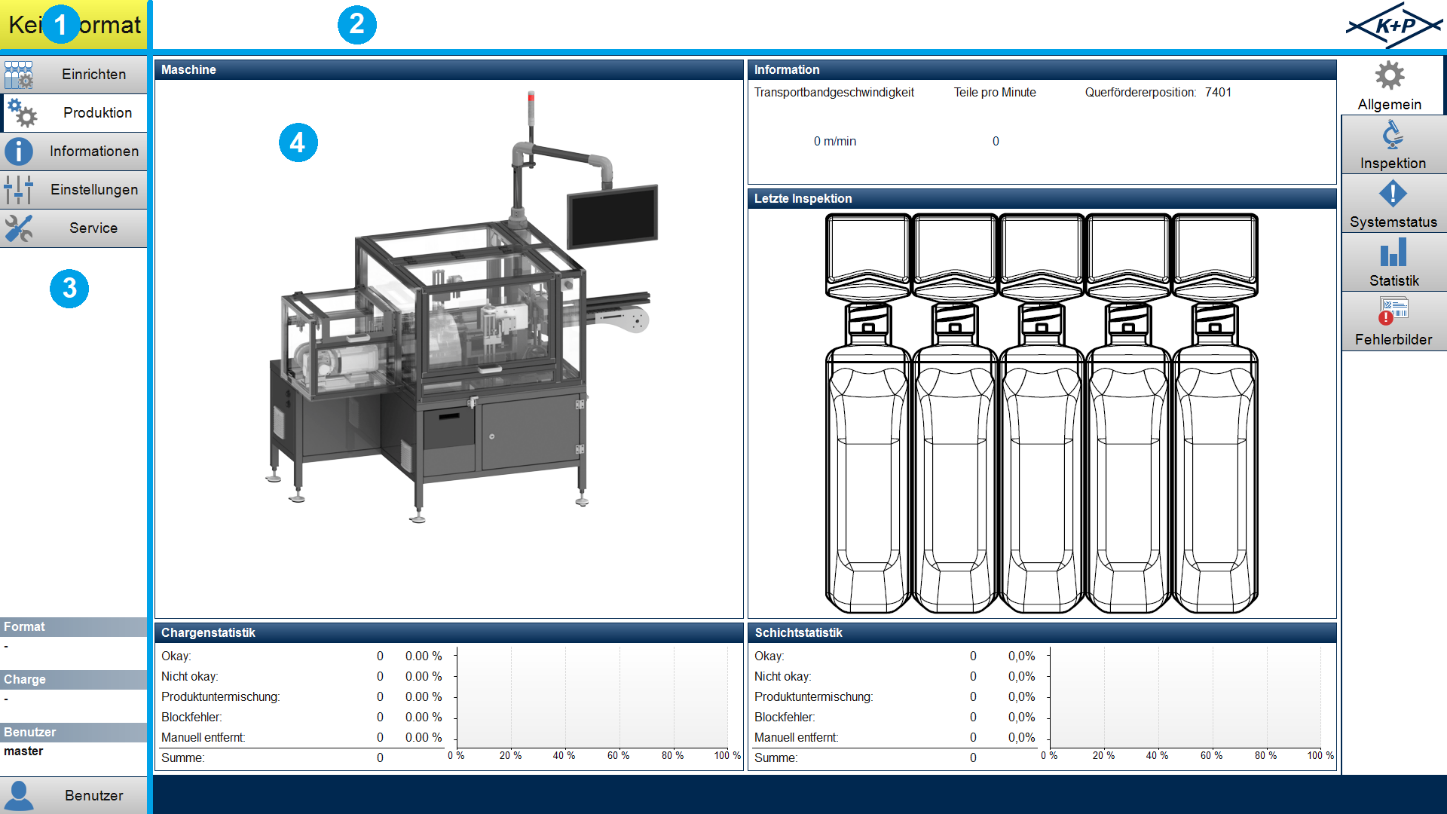
❷ System notifications
❸ Navigation and information area
❹ Display area
The following images show examples of the system status and settings windows:
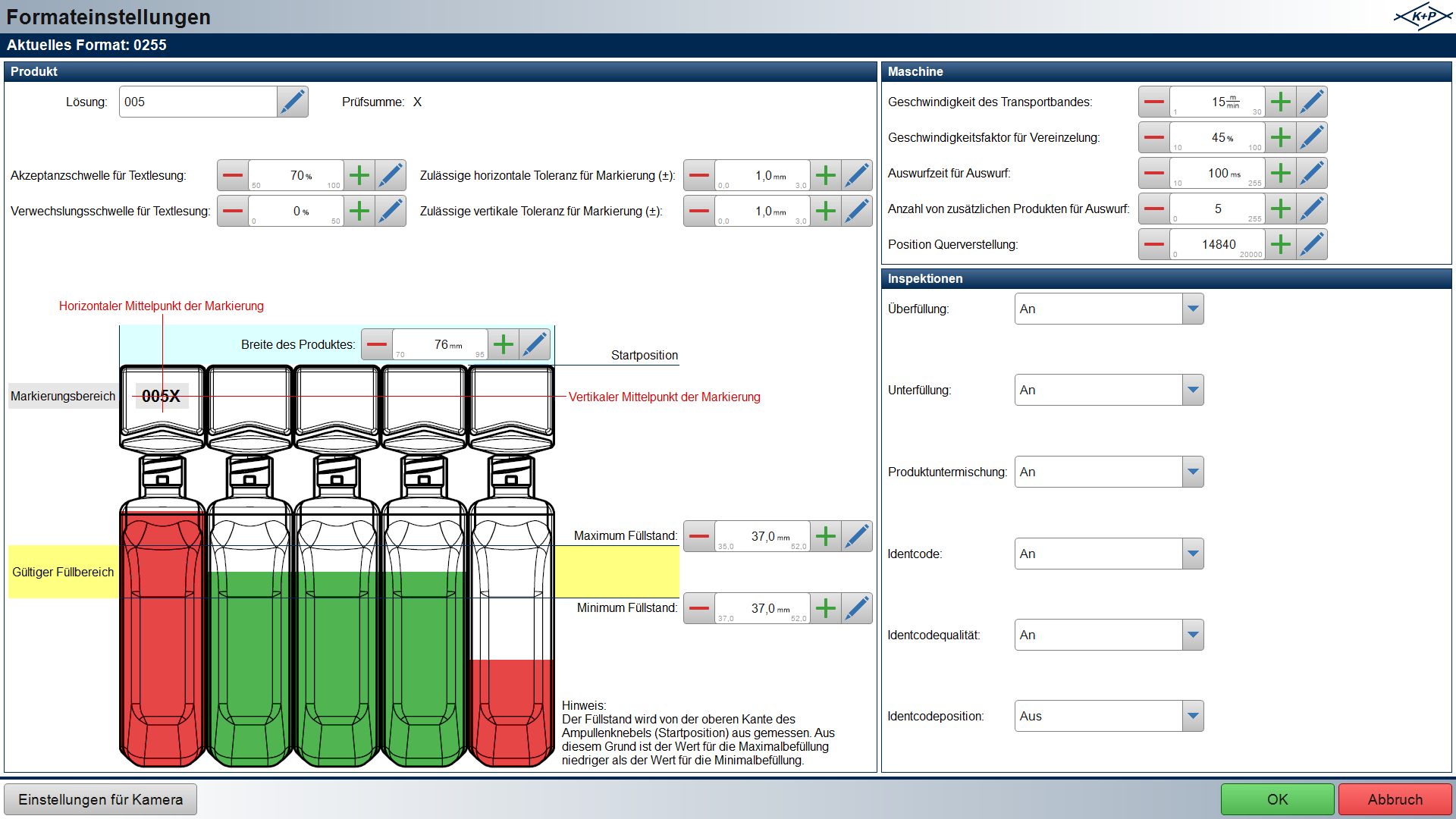
Format settings
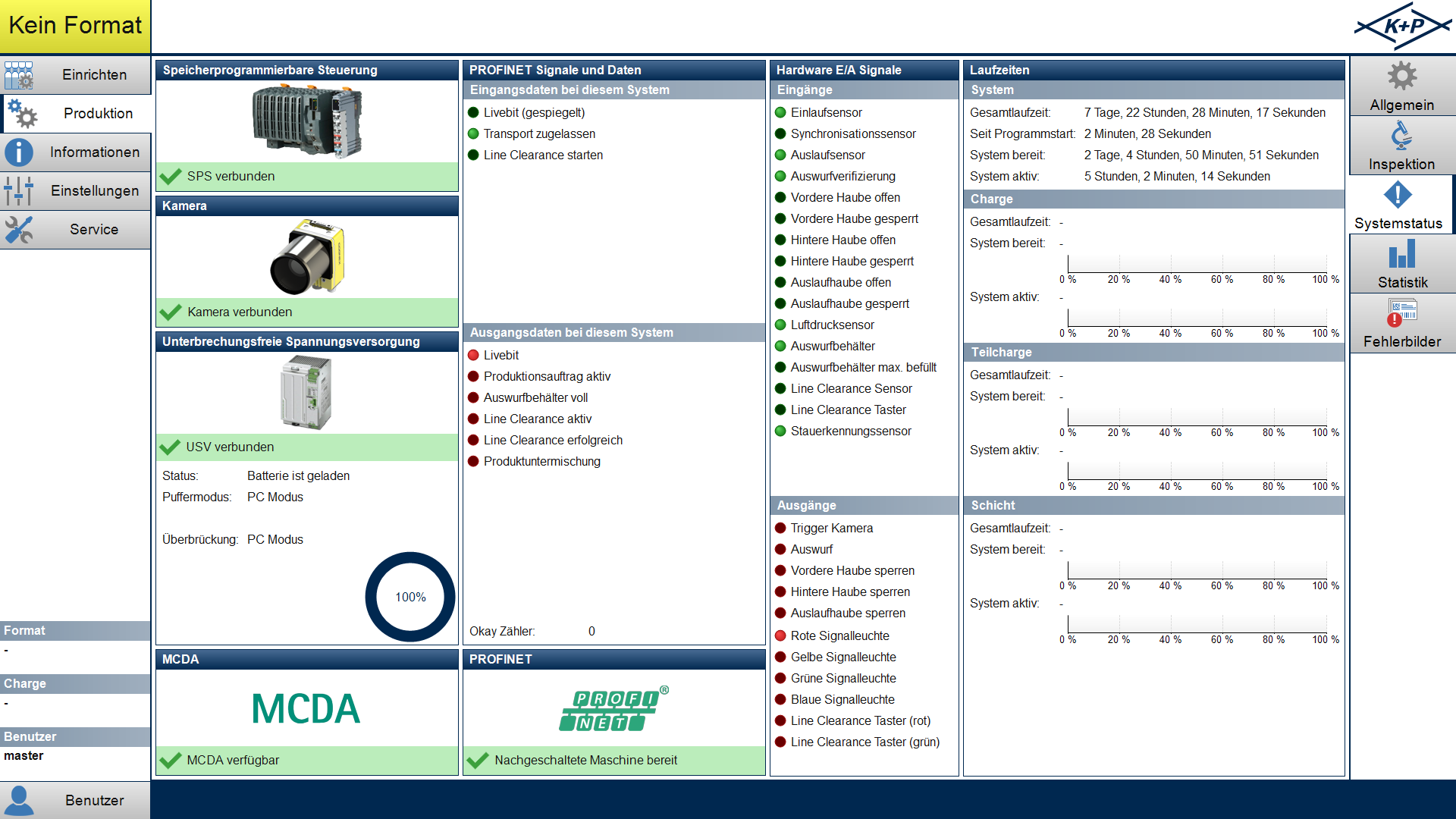
System status
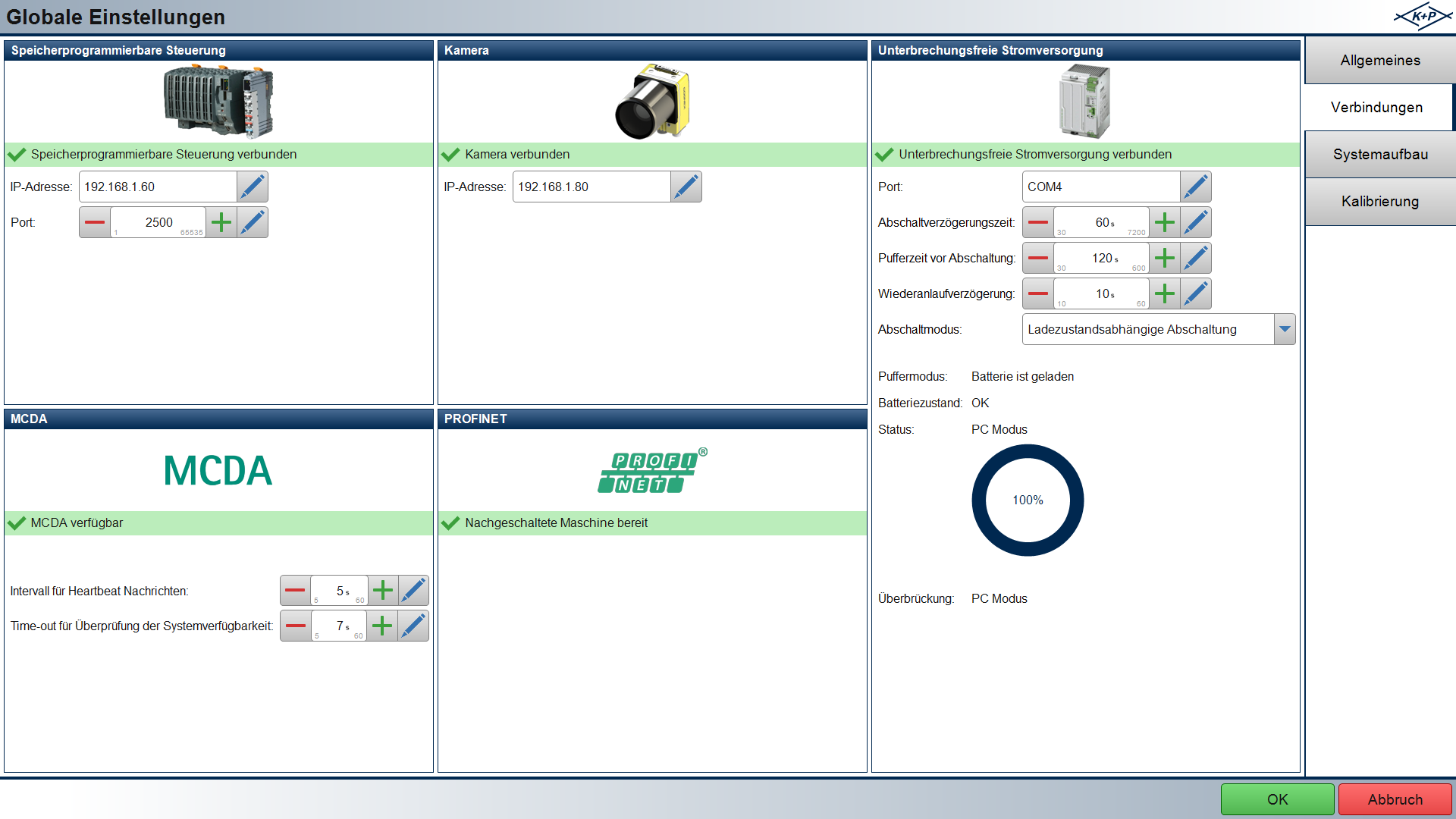
Global settings - Connections
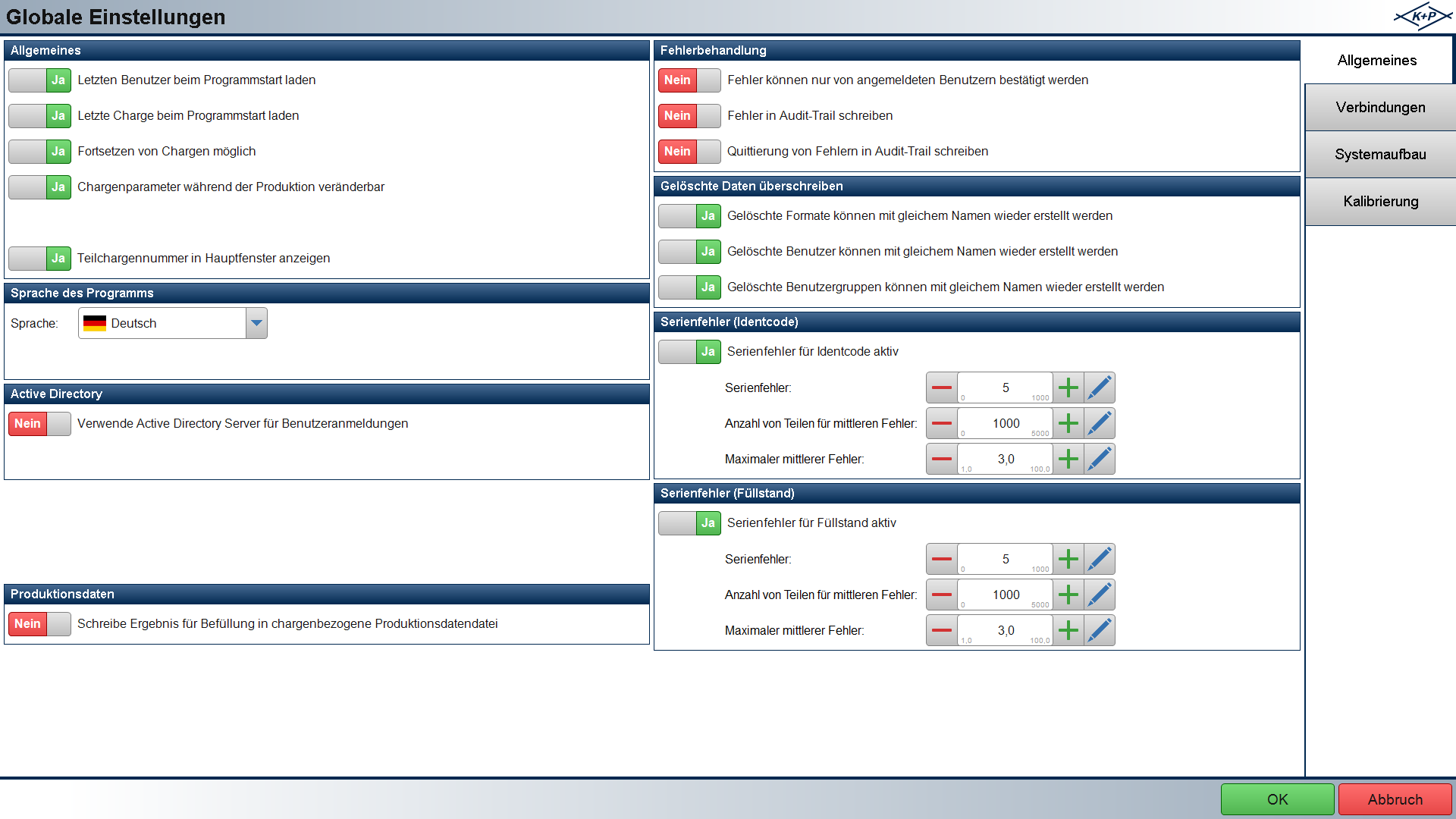
Global settings - General